Music Video Maker · Updated Oct 8, 2026 · 5 min read
Two Clear Paths for Short Music Videos
Choose a Spotify stock loop or an AI music-video clip before you spend credits or write the prompt.
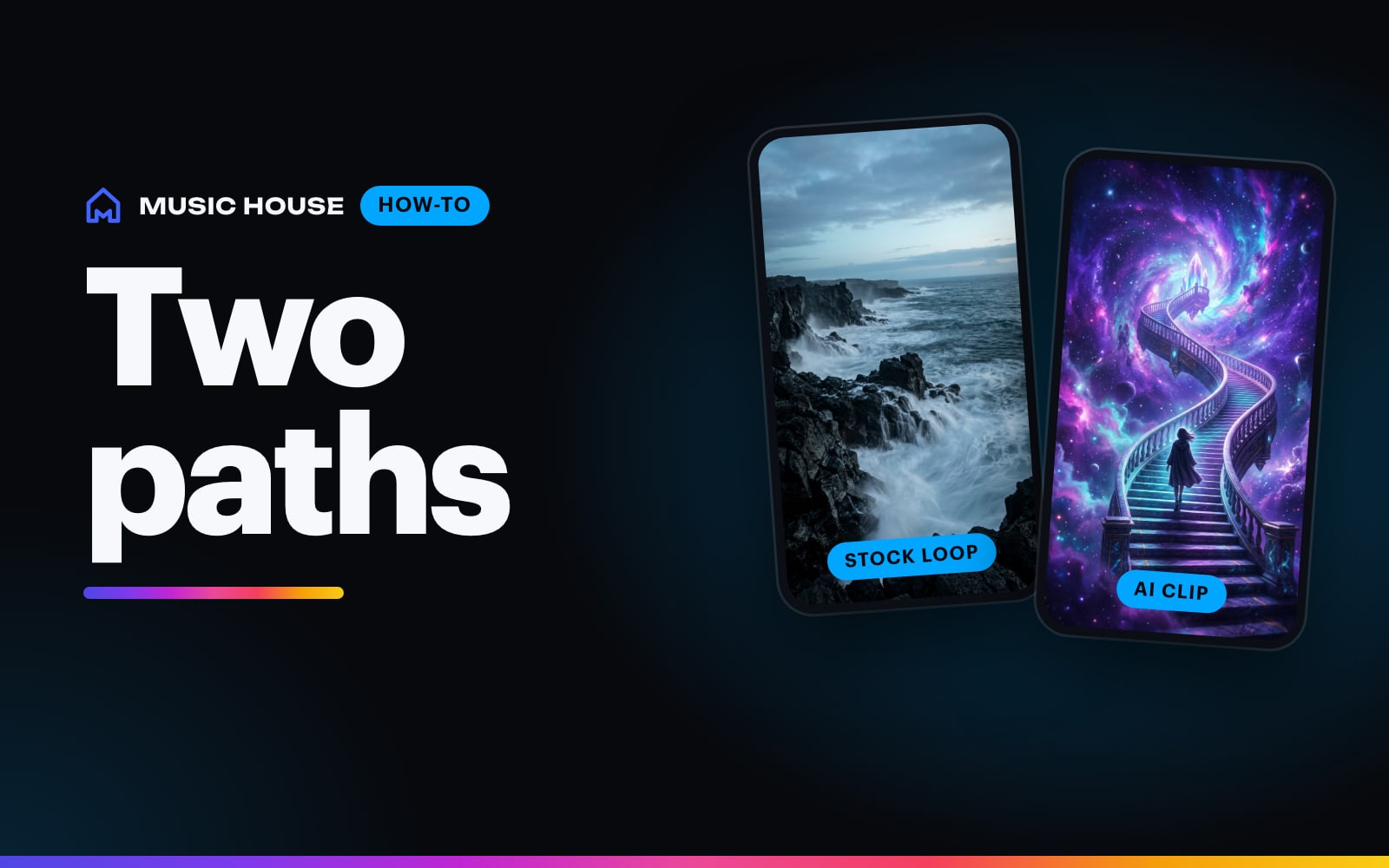
A Spotify Canvas and an AI music-video teaser have different jobs, controls, and prices. Pick the path before you write the prompt.
Path 1: Spotify stock loop
Use Spotify Canvas Maker when you need a simple vertical loop for Spotify for Artists.
The current flow is:
- Describe the footage you want or choose a vibe starter.
- Search Pexels from the loop picker.
- Preview and select one portrait stock clip.
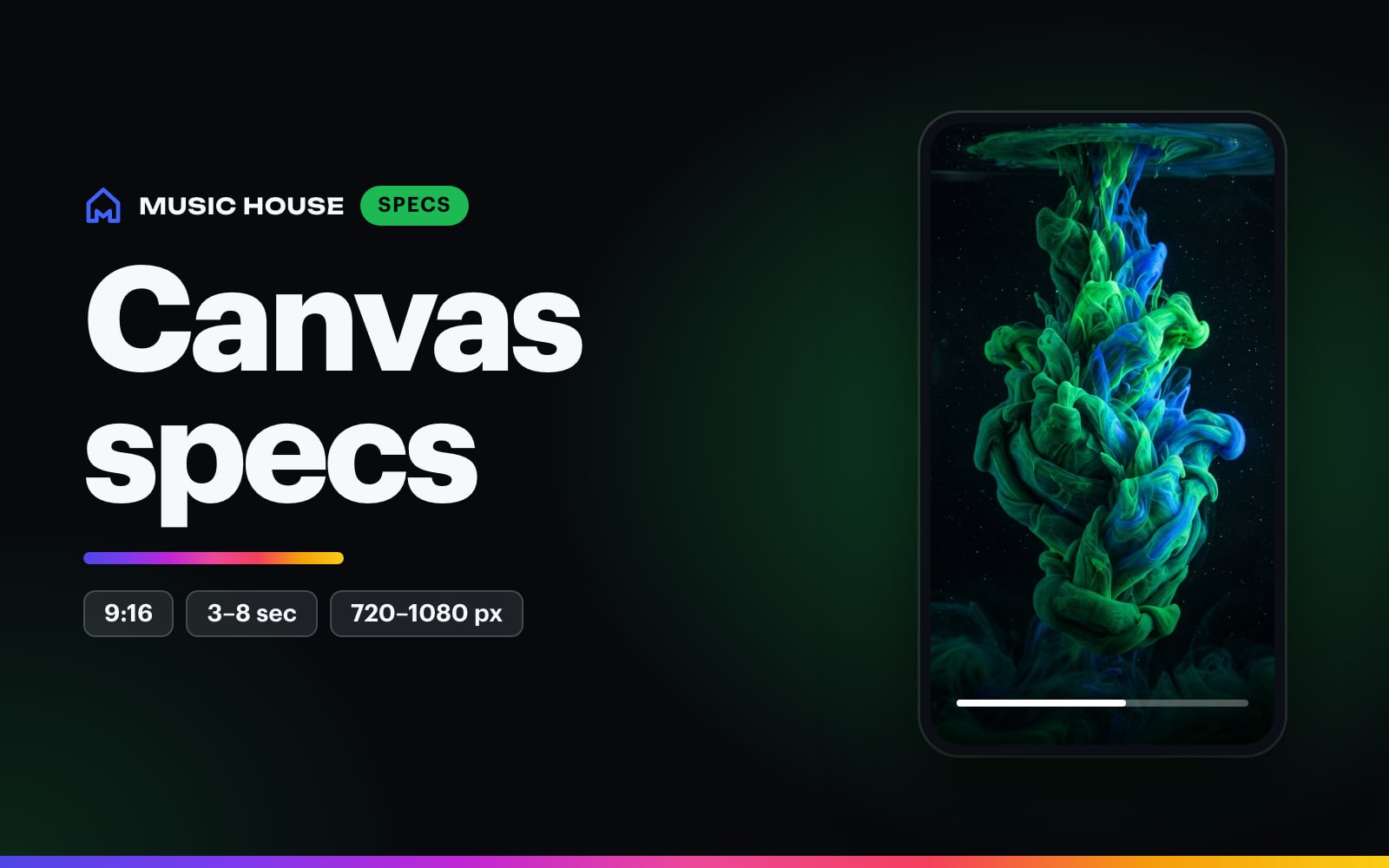
- Choose a 3, 5, or 8-second duration on iOS. Web fits the export to the selected source clip within Spotify's 3-to-8-second range.
- Create a silent 9:16 MP4 for 1 credit.
This path works for roads, water, lights, clouds, studio texture, and crowd atmosphere. It uses stock footage selected through the product, so it looks like footage rather than a newly generated scene.
Path 2: AI music video
Use Music Video Maker when the song has a visual world specific enough to direct.
Pick a video type first. Looping canvas repeats one AI clip under your song. Music video writes several parts from your song and plays each once. Choose a video length of 15s, 30s, 60s, or the whole song. The length is free.
The model picker includes Gemini Omni 1.1 Flash, Wan 3.0, MiniMax H3, Seedance 2.5, and Kling 3.0 Pro. Compose for 9:16, 1:1, or 16:9 where the model supports it. Gemini Omni does not offer 1:1.
Write one shootable scene:
Locked wide shot of a basement studio after midnight, one sampler on a folding table, bare bulb swinging slowly, dust crossing the light, deep amber and black palette.
A loop's price depends only on the clip length, not the video length. On Gemini Omni, the default:
| Clip length | 720p | 1080p |
|---|---|---|
| 4s | 90 | 135 |
| 8s | 180 | 270 |
| 10s | 225 | 340 |
MiniMax H3 starts at 90 credits for an 8s clip at 720p. Seedance 2.5 is the premium model at 425 credits and up. A music video prices each part like a loop of its length, so a 30s Gemini Omni video at 720p is three 10s parts, 675 credits.
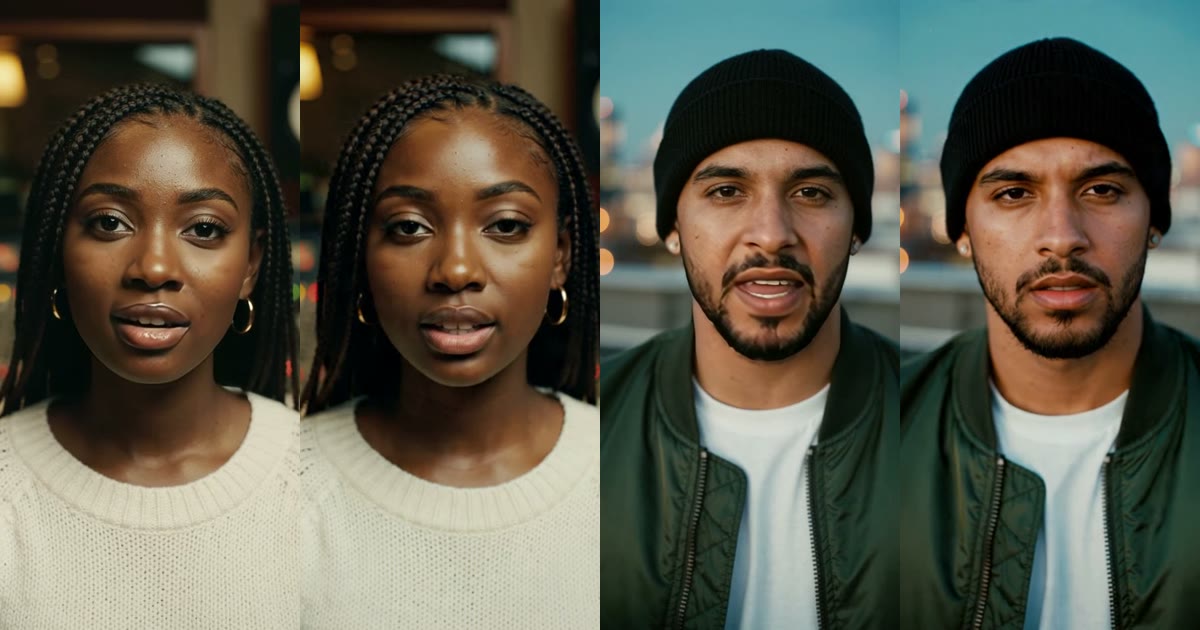
Singer performs adds a lip-synced singer to the sung parts of a 15s or 30s portrait or square video. It costs +155 credits for 15s and +285 for 30s. Create shows the exact price after every change.
Decide from the job
| Need | Tool | Starting cost | Output |
|---|---|---|---|
| Spotify Canvas or quick atmosphere | Spotify Canvas Maker | 1 credit | 3–8s silent 9:16 stock loop |
| Your cover art, moving | Music Video Maker, Animate cover | 105 credits | 4s silent 9:16 Canvas loop |
| Original release teaser | Music Video Maker, Looping canvas | 90 credits | One AI clip repeated for 15s, 30s, 60s, or the whole song |
| Visuals that change with the song | Music Video Maker, Music video | Varies by parts | Several AI parts cut to your song |
Choose the stock loop when motion and mood are enough. Choose AI video when the visual idea is specific enough to justify the render.