Unleash yourcreativity
Make songs, beats, covers, music videos all in the Music House platform
From the community
Open Discover


Guides
View all
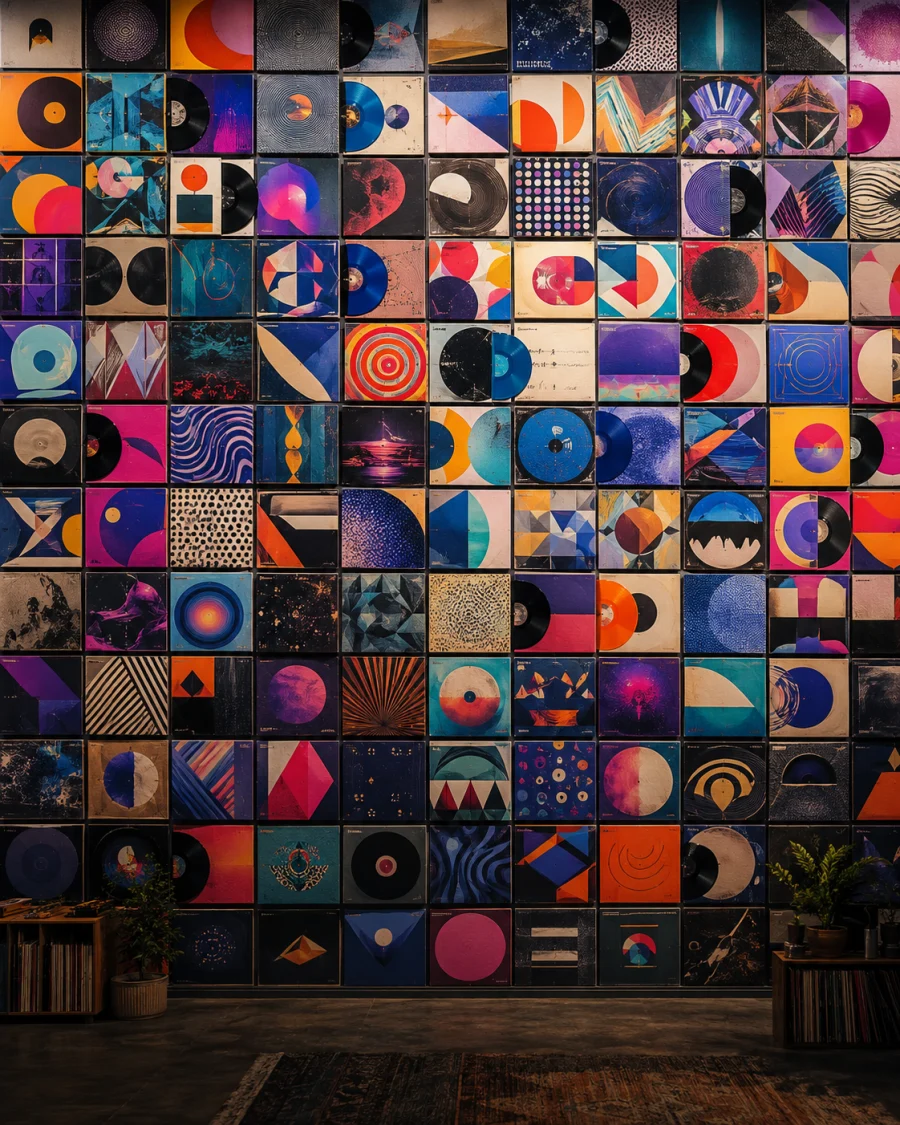
Music Video Maker · 6 min read
How to Make a Music Video That Actually Looks Sick
Spotify Canvas · 4 min read
Spotify Canvas Requirements: Size, Length, and Format
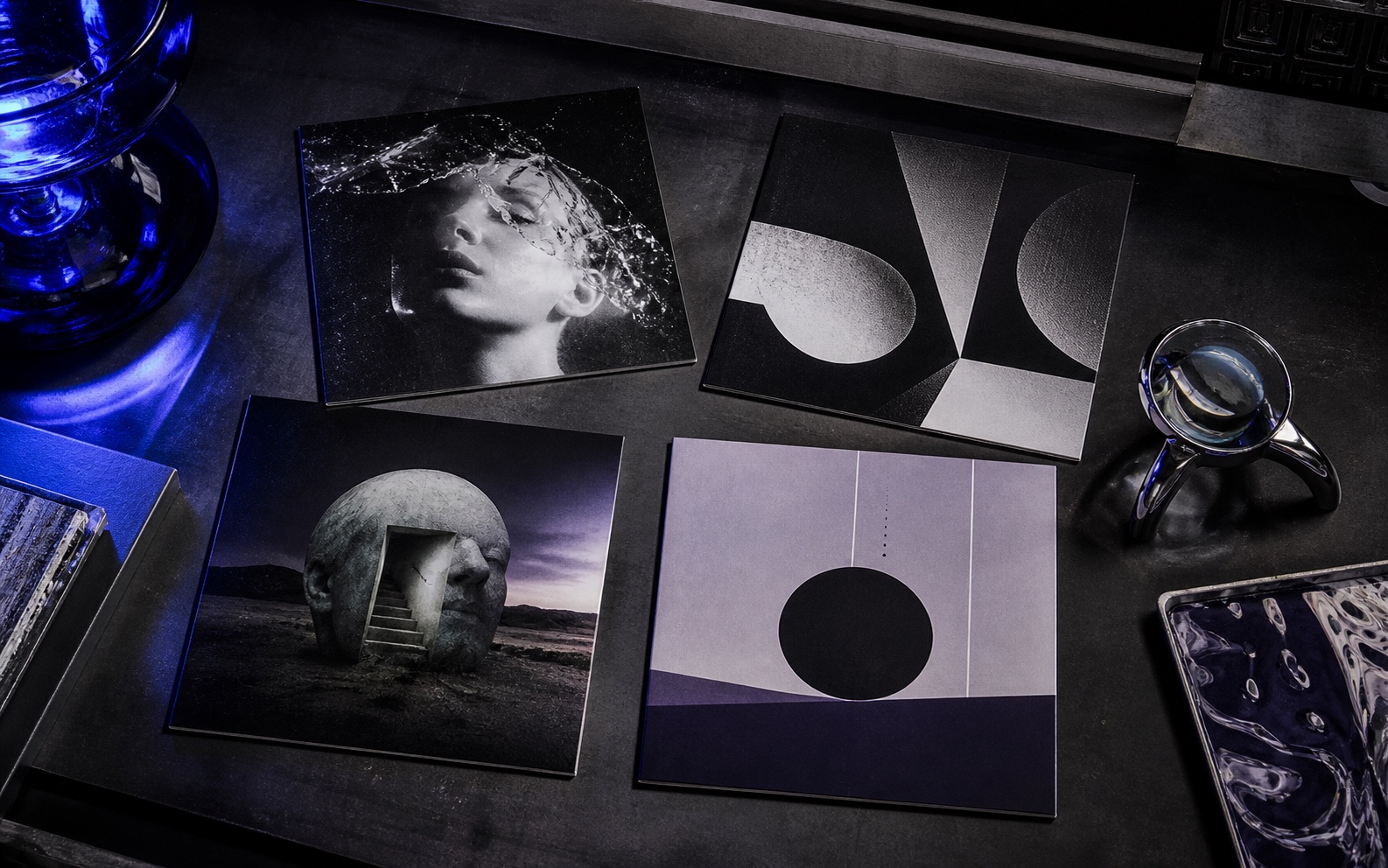
Album Cover Maker · 6 min read
The Best Image Models for Cover Art in Music House

Album Cover Maker · 14 min read
100 Prompts for Your Next Album Cover
One platform
From song idea to release assets
- 01
Make the track
Start with a prompt, a lyric, or a reference. Build a complete song or an instrumental you can keep shaping.
- 02
Build the visual world
Turn the release idea into a square cover and a profile image that feel like the same artist.
- 03
Release and promote
Use the finished audio and artwork to make a music video, Spotify Canvas, or social story.
Every Music House studio
Choose the tool you need now. Keep the rest of the release in the same workspace.
Music
Artwork
Video and promotion
FAQ
About Music House
What can I make in Music House?
You can make songs, instrumentals, lyrics, album covers, artist images, music videos, Spotify Canvas loops, social stories, and release links.
Can I start with only an idea?
Yes. Song Creator, Beat Maker, Album Cover Maker, and the visual tools all start from a written direction. References are optional where supported.
Can I upload my own audio for a music video?
Yes. Music Video Maker accepts an audio file and lets you choose a vertical, square, or wide format for the finished visual.
Can Music House make a Spotify Canvas?
Yes. Spotify Canvas Maker creates a short 9:16 MP4 loop that you can download and upload through Spotify for Artists.
Where can I use Music House?
Music House is available on the web and on iPhone, using the same account for your work and credits.
Start in Song Creator
Describe the track. Add the cover and video when it is ready.