Spotify Canvas · Updated Sep 6, 2026 · 4 min read
Spotify Canvas Requirements: Size, Length, and Format
Check Spotify's current 3-to-8-second, 9:16 Canvas specs, then make a silent stock loop in Music House.
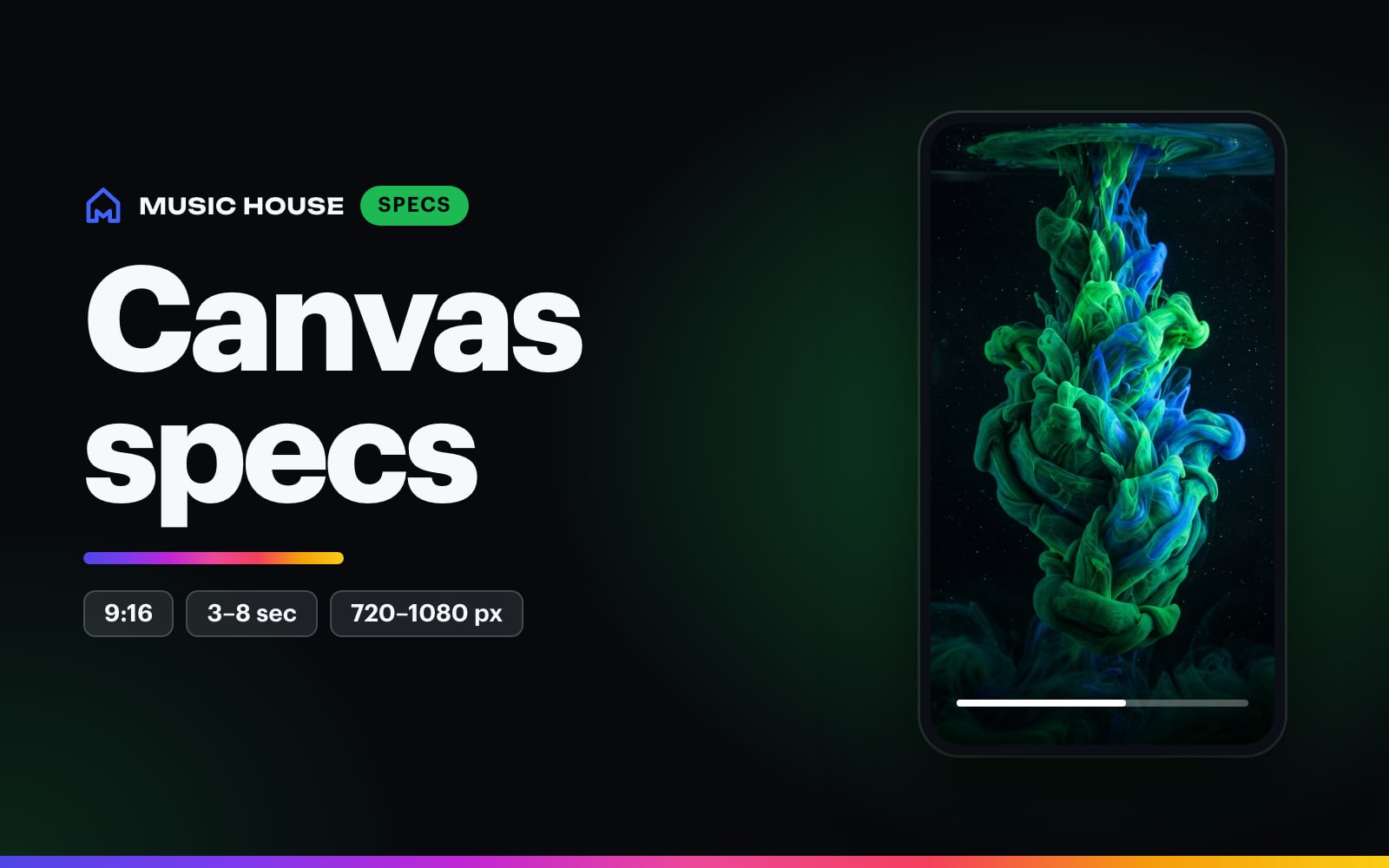
Spotify Canvas is the short vertical visual shown in the Now Playing view instead of static cover art. Check Spotify's official Canvas guidelines before every upload because platform requirements can change.
Current Spotify Canvas specs
Spotify currently lists:
| Requirement | Current spec |
|---|---|
| Length | 3 to 8 seconds |
| Aspect ratio | Vertical 9:16 |
| Height | 720px to 1080px |
| File type | MP4 or JPG |
Music House Spotify Canvas Maker exports a silent 9:16 MP4 from a Pexels stock loop. It costs 1 credit.
Use the current Music House flow
- Describe the kind of loop you want or choose a vibe starter.
- Open the stock-loop picker and search Pexels.
- Preview and select a portrait clip.
- On iOS, choose 3, 5, or 8 seconds. On web, the selected source clip sets an export between 3 and 8 seconds.
- Create and download the MP4.
- Upload it from the track's Canvas screen in Spotify for Artists.
The track title in Music House is optional context. Spotify already displays the song and artist in Now Playing.
Keep important details centered
Spotify warns that the edges can be cut off on some phones. Keep the main face-free subject, object, or action near the center. Use the outer edges for light, texture, and motion you can afford to lose.
Choose one loop behavior
Spotify recommends three basic structures:
Continuous loop
The final frame naturally returns to the first. Rotating objects, passing lights, smoke, water, and circular camera moves work well.
Hard cut
The end deliberately jumps to the beginning. Use a strong edit point or similar first and last compositions.
Rebound
The motion plays forward and reverses. It works for a short camera move, fabric movement, a head turn, or a light sweep.
Music House loops the chosen stock clip. Preview the finished MP4 several times to catch an awkward seam.
Avoid false lip sync and intense flashing
Spotify recommends footage without visible talking, singing, or rapping because a short loop will not stay synchronized with the song. It also warns against rapid cuts and intense flashing.
Choose one action the viewer can understand in a few seconds. A complete visual thought loops better than a clipped piece of a longer story.
Upload checklist
- Confirm the clip is 3 to 8 seconds.
- Confirm it is 9:16.
- Confirm the height is between 720px and 1080px.
- Preview the center crop on a phone.
- Remove unnecessary artist and song text.
- Watch the loop five times with sound off.
- Check Spotify's current guidelines and content policy.
Open Spotify Canvas Maker, choose one portrait loop, and export the silent MP4.