Guide · Updated Oct 7, 2026 · 5 min read
How to Use Lyria 3.5 in Music House
Use Google's full-song model for a vocal song or instrumental, understand its target-length behavior, and get the most from its flat 30-credit price.
Open Guide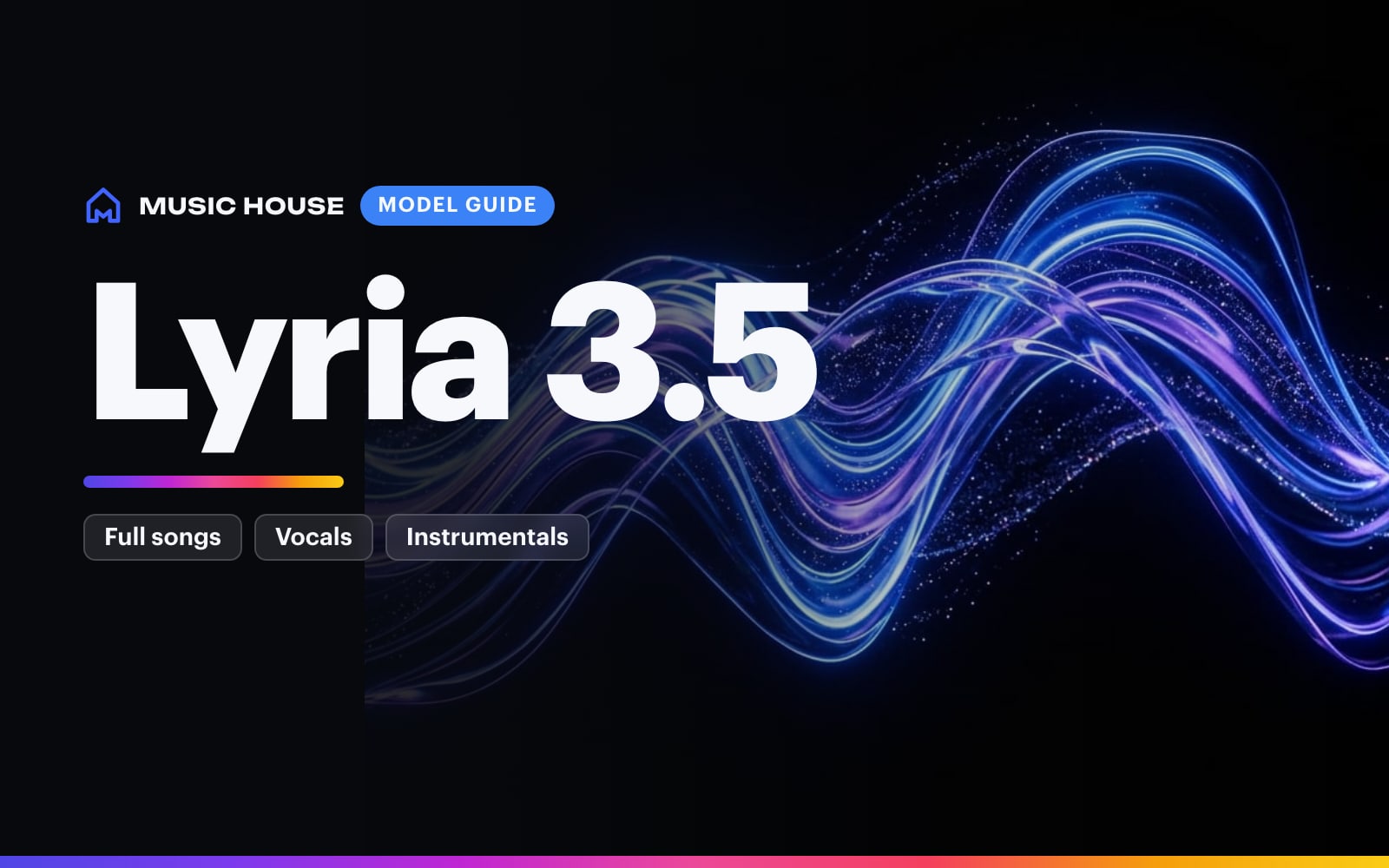
Lyria 3.5 is Google's current full-song music model in Music House. Google describes Lyria 3.5 as a model for coherent songs with multiple verses, choruses, and bridges, with 44.1 kHz stereo output. Music House offers it in both Song Creator and Beat Maker.
Choose Lyria 3.5 when you want a complete arrangement and a flat cost. One generation costs 30 credits, whether the target length is 2, 3, or 4 minutes.
Where to find it
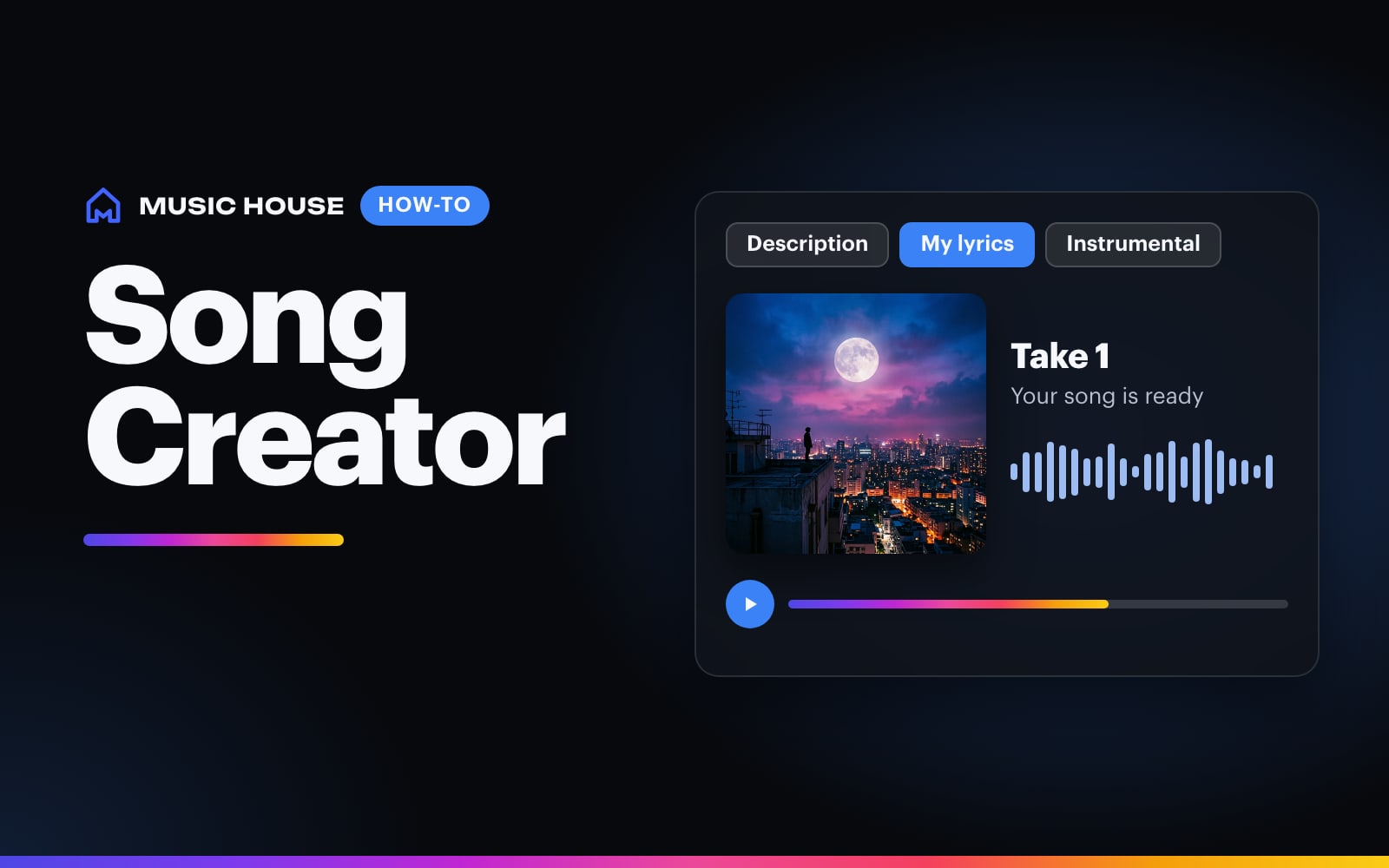
Open Song Creator for vocals, automatic lyrics, or your own lyrics. Use Song Creator in Instrumental mode for an instrumental track.
In either tool:
- Open Advanced settings or Settings.
- Choose Lyria 3.5 under Model.
- Choose a target length of 2m, 3m, or 4m.
- Check the 30-credit charge on Create.
The iOS and web pickers use the same model name, duration range, and price.
Treat duration as a target
Lyria 3.5 does not use the duration control like an exact stopwatch. Music House passes the requested length as direction and records it with the creation, but the finished audio can vary.
That makes Lyria a strong fit for a complete song pass. If you need a short 30-second or 1-minute draft, use Eleven Music v2 or MiniMax Music 3 instead. If you need audio timed to an exact edit, check the finished file before cutting the video.
Give the arrangement a route
Lyria can handle more than one section, so tell it how the song should move. A good brief includes:
- the genre and tempo feel
- the lead voice or the instruction to stay instrumental
- the main instruments
- the emotional turn in the hook
- a short section plan
Example:
Reflective alt-R&B at a slow head-nod tempo. Intimate low female lead, warm Rhodes, dry drums, rounded sub bass, and small guitar answers. Quiet first verse, wider chorus, stripped bridge, then a final chorus with stacked harmonies.
Avoid cramming several genres, singers, and unrelated scene changes into one prompt. Give the song one identity and a clear build.
Choose the lyric mode before you write the brief
In Song Creator, Lyria 3.5 works with all three lyric modes:
- Write for me: Music House writes a structured lyric sheet from your brief before the song is generated.
- My lyrics: Your lyrics stay in the dedicated lyrics field while the main prompt directs the production.
- Instrumental: Music House sends explicit no-vocal direction to Lyria.
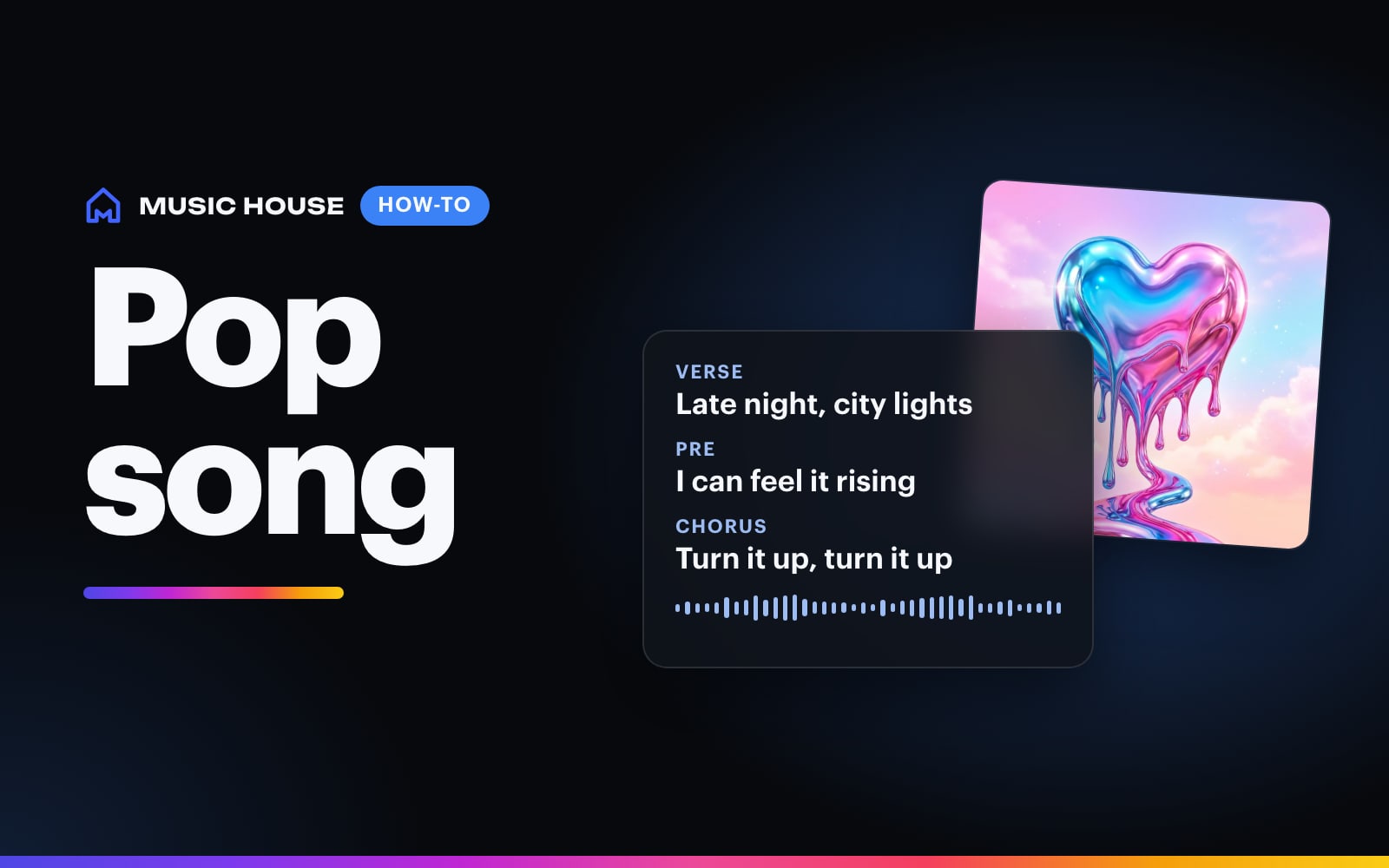
For your own lyrics, use section labels such as [Verse], [Chorus], and [Bridge]. Keep the production prompt focused on sound and arrangement.
Use one variation first
Lyria costs 30 credits per take. Start with one variation, listen to the structure, then remix with one deliberate change. Two variations cost 60 credits, three cost 90, and four cost 120.
The useful next change is usually specific: shorten the intro, bring the drums in earlier, make the chorus wider, or remove a competing instrument. Rewriting the entire prompt makes it harder to learn what changed the result.
Google's current model page calls Lyria 3.5 its flagship full-song model. Music House's model picker and Create button remain the source of truth for the model name, available lengths, and customer credit charge.
Open Song Creator, choose Lyria 3.5, and give the first pass a clear section plan.
Try it now
A full-song Lyria 3.5 draft with a clear structure, sound, and vocal or instrumental direction.