Song Creator · Updated Oct 7, 2026 · 6 min read
How to Use Song Creator in Music House
Turn one clear idea into a song with vocals, your own lyrics, or no vocals at all. Choose the right model, length, and number of takes before you create.
Open Song Creator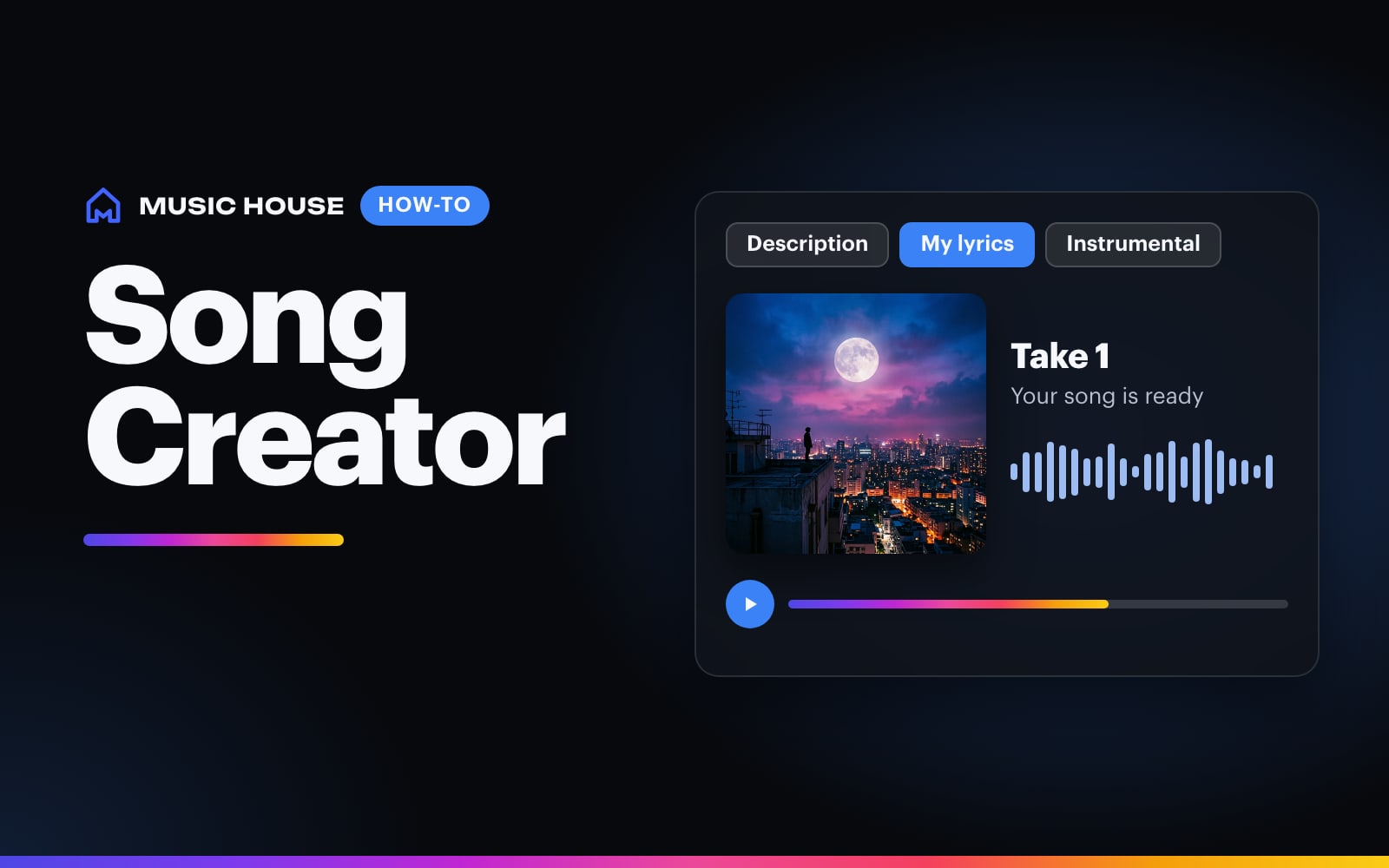
Song Creator turns a short brief into a complete song. Start with the story and sound, choose what should happen with the lyrics, then set the model, duration, and number of songs.
You do not need a special prompt format. One focused paragraph gives the model enough direction.
1. Choose what happens with the lyrics
The Vocals & lyrics control has three modes:
- Write for me creates lyrics from your song brief.
- My lyrics opens a separate lyrics field and keeps the words you paste there.
- Instrumental creates the arrangement without singing, rapping, or spoken words.
Use Write for me when the hook is still open. Use My lyrics when specific words matter. Section labels help the model understand your form:
[Verse 1]
Your first verse...

[Chorus]
Your hook...

[Bridge]
The turn before the last chorus...
When you choose My lyrics, put only production direction in the main prompt. Keep the words in the lyrics field so the app can preserve them as a separate input.
2. Describe the song like you would brief a producer
A useful brief names four things:
- Story: the moment, person, place, or tension
- Style: the genre or production lane
- Voice: the singer's range, tone, or energy
- Anchor: one instrument, hook behavior, or arrangement moment
Instead of:
Make a sad R&B song.
Try:
An intimate late-night R&B song about realizing a relationship is over after rereading an unsent text. Warm Rhodes, soft drums, deep bass, a breathy male lead, and a chorus that opens up.
If you choose Instrumental, replace the voice with the groove, lead instrument, and the job the track needs to do.
3. Set style, model, duration, and variations
Song Creator starts at 2 minutes, 1 song, Auto style, and Eleven Music v2. Open Advanced settings to change those choices.
Style
Leave Style on Auto when the brief already names the genre. Pick a style when you want to anchor a broad prompt in Pop, Hip-Hop, R&B, Country, Rock, Metal, EDM, Latin, Afrobeats, or Indie.
Model
The current model picker is the same on iOS and web:
| Model | Available lengths in Song Creator | Credit cost for one song | Use it when |
|---|---|---|---|
| Eleven Music v2 | 30s, 1m, 2m, 3m, 4m | 1 credit per second | You want the default engine or a short sketch |
| MiniMax Music 3 | 30s, 1m, 2m, 3m, 4m | 0.3 credits per second, rounded up | You want another full-song interpretation |
| Lyria 3.5 | 2m, 3m, 4m target | 30 credits flat | You want a full-song pass with a low flat credit cost |
Lyria's duration is a target. The finished track may vary. Read How to use Lyria 3.5 in Music House before choosing it for a timed edit.
Duration
Use 30 seconds or 1 minute for a fast hook test with Eleven Music v2 or MiniMax Music 3. Use 2 to 4 minutes when the arrangement needs room for multiple sections. Choosing Lyria 3.5 automatically moves the minimum to 2 minutes.
Variations
One song is the default. Additional variations run the same idea as separate takes, and each take costs the full model price. The picker shows up to the concurrency limit on your account, with a maximum of four.
The total charge appears on Create before generation starts.
4. Listen for one reason to keep the draft
On the first listen, ask:
- Does the voice fit the character of the song?
- Does the hook feel like the center?
- Is there one moment worth building around?
If the story is wrong, change the brief. If the words are wrong, switch to My lyrics or revise the lyric sheet. If the arrangement is wrong, name a clearer instrument, tempo, or section change.
5. Continue from the result
Every finished song is saved to your activity and library. From the result you can play it, download it, share it, or remix the original setup. On iOS, the Song menu also includes Copy Lyrics, Reuse Song, and Make a Longer Version. You can send a finished song or beat into Music Video Maker from its creation detail.
A first prompt you can steal
Warm melodic rap about finally outgrowing the version of yourself that kept going back. Emotional piano, crisp drums, grounded male lead, reflective verses, and a big sung chorus that feels relieved instead of bitter.
Open Song Creator, choose the lyric mode that matches your idea, and make one focused take first.
Try it now
A song draft you can play, download, remix, reuse, or turn into a music video.